
Partner onboarding
Get started with TasteTown, step by step
How to handle a DEAL at the till, how to prepare your venue and everything you can do in the partner dashboard – step by step.

For staff
At the till
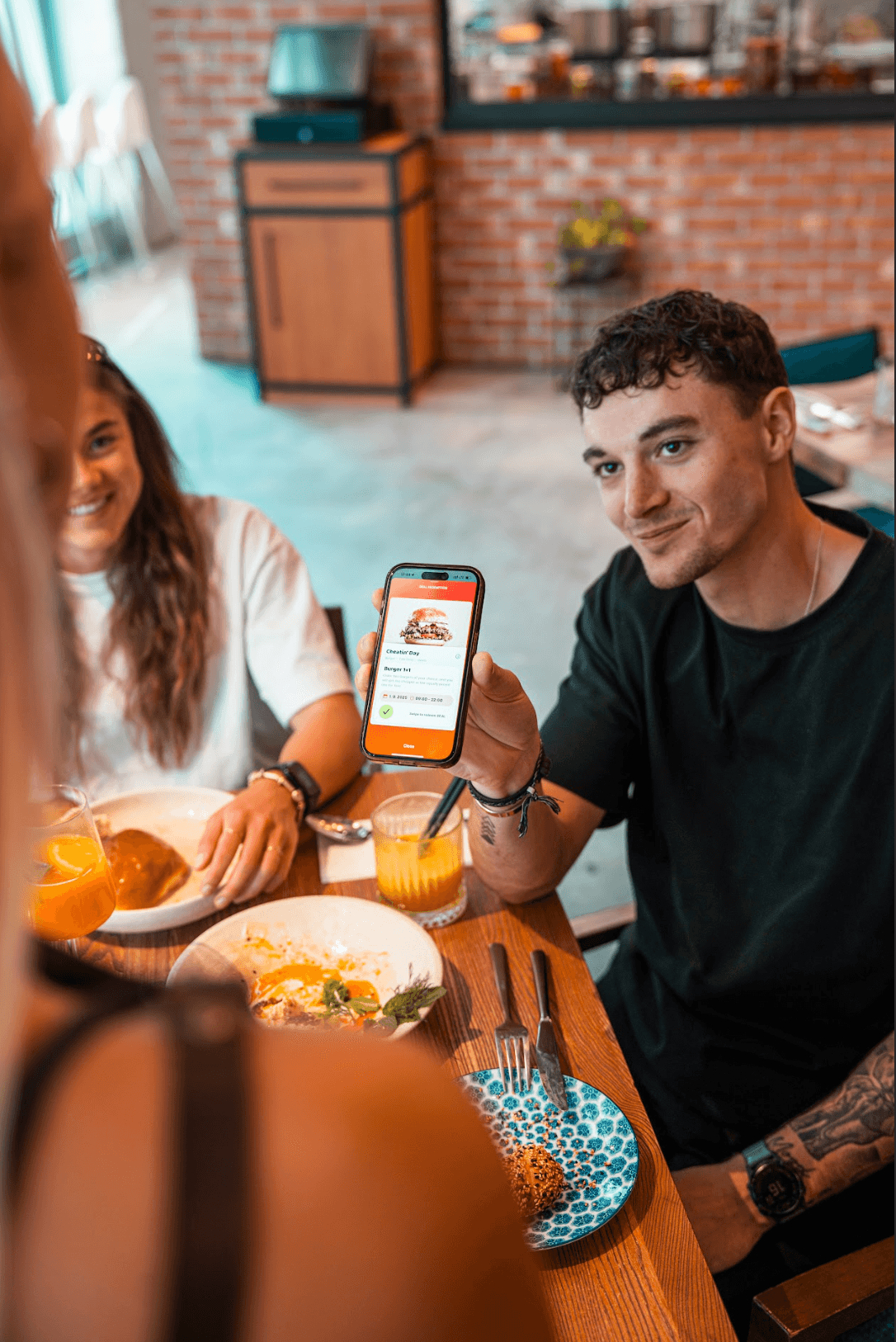
A guest came with TasteTown? You're done in four steps.
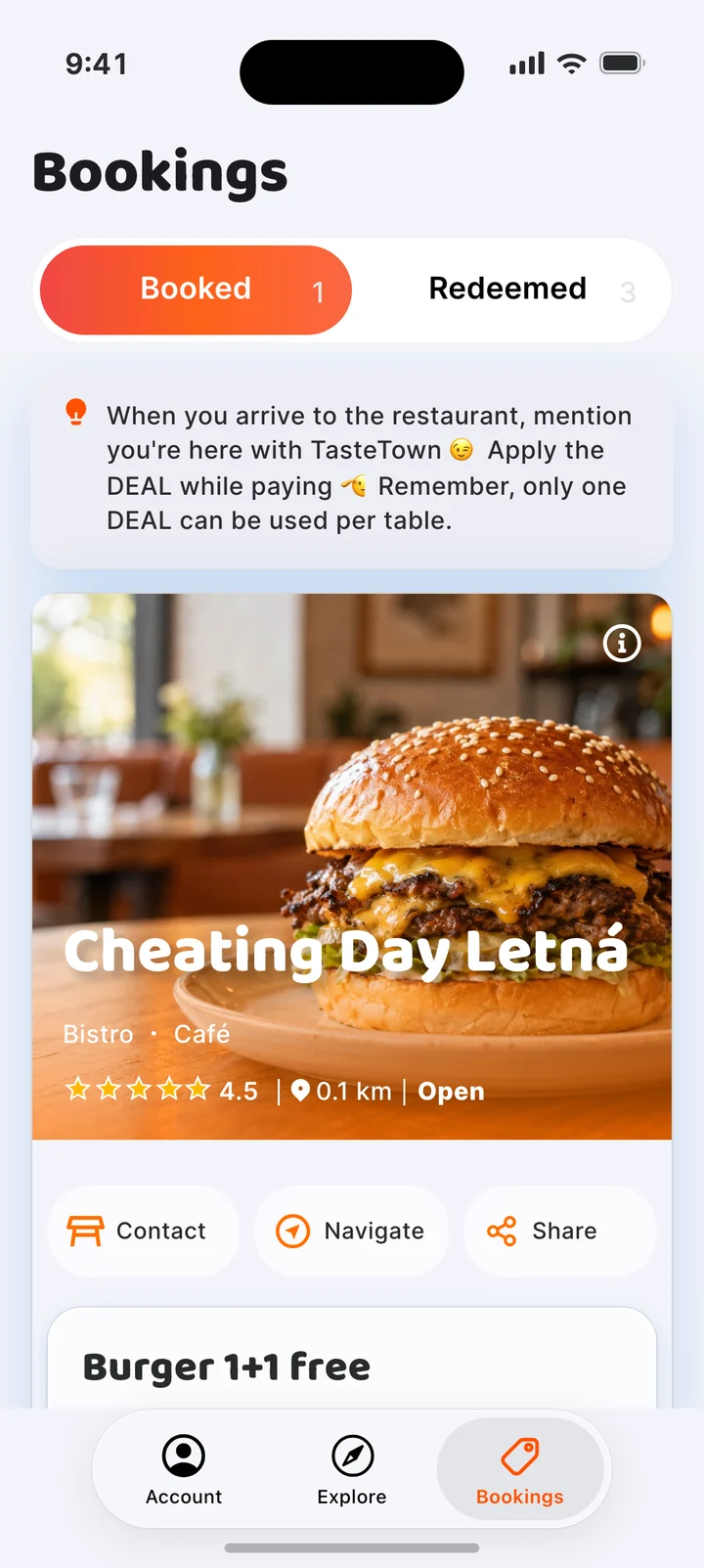
The guest tells you
The guest says they're here with TasteTown. No booking needed – the venue isn't notified in advance.
Receipt · table 4
2× BurgerCZK 500TasteTown DEAL−CZK 250Left to payCZK 250Ring up the DEAL
Ring up the DEAL on the till the way you've set it up, for example with a dedicated button.
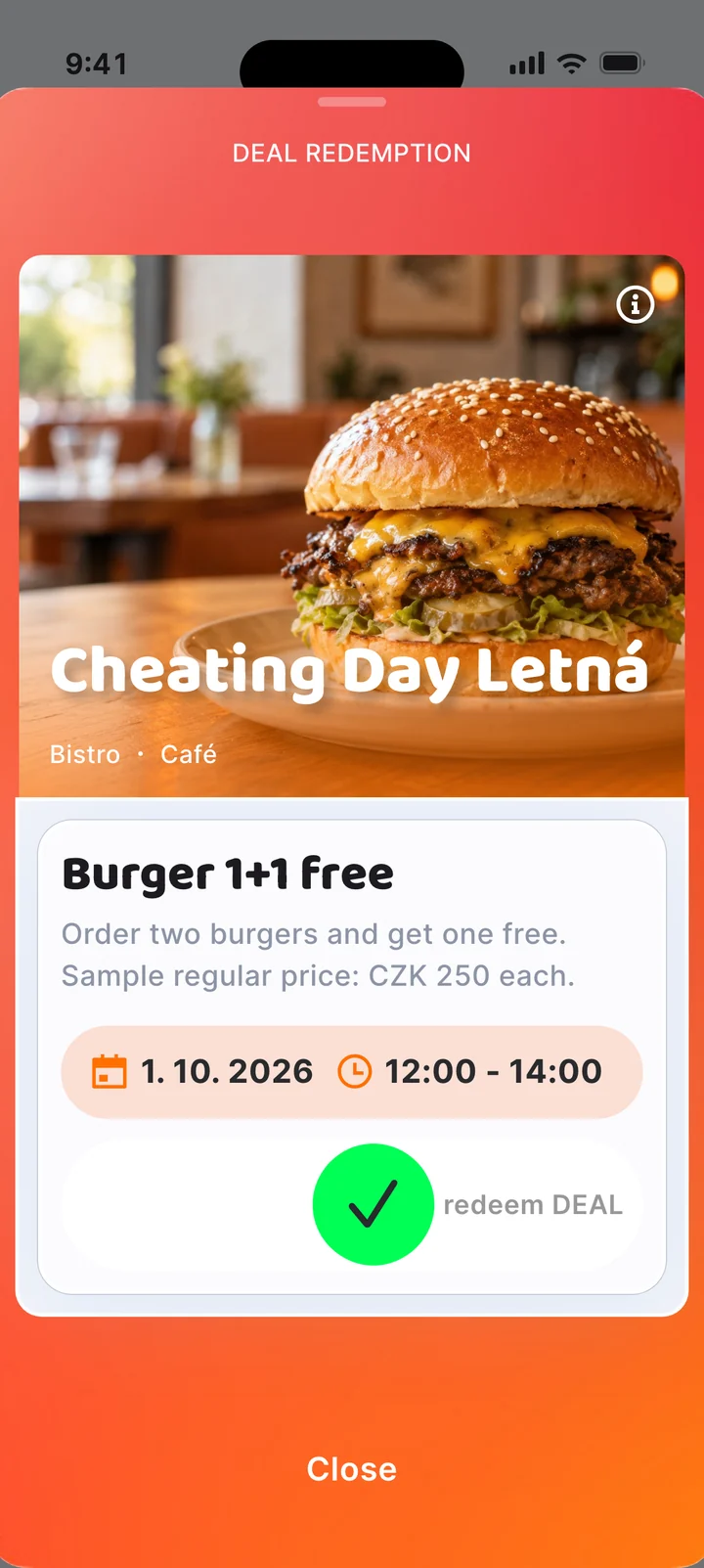
The guest swipes in front of you
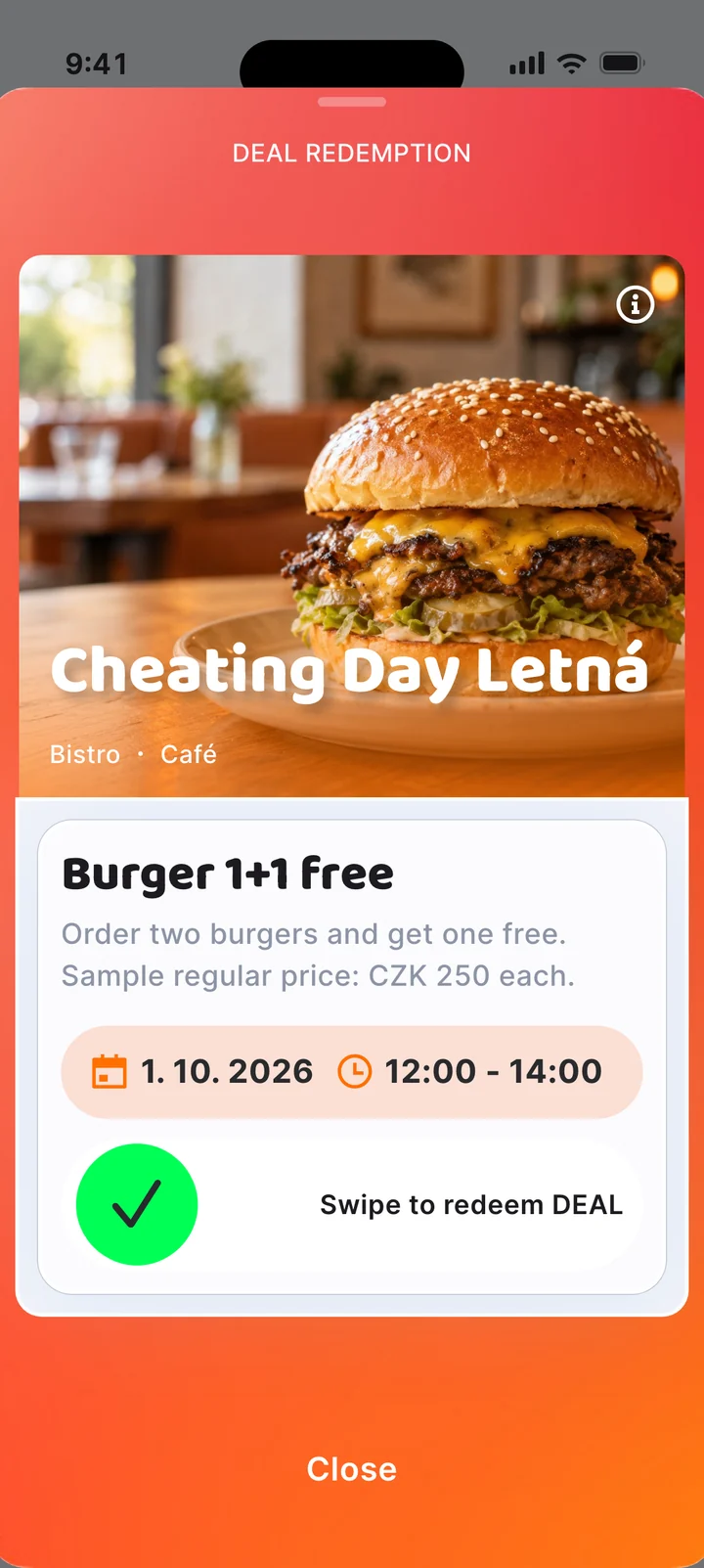
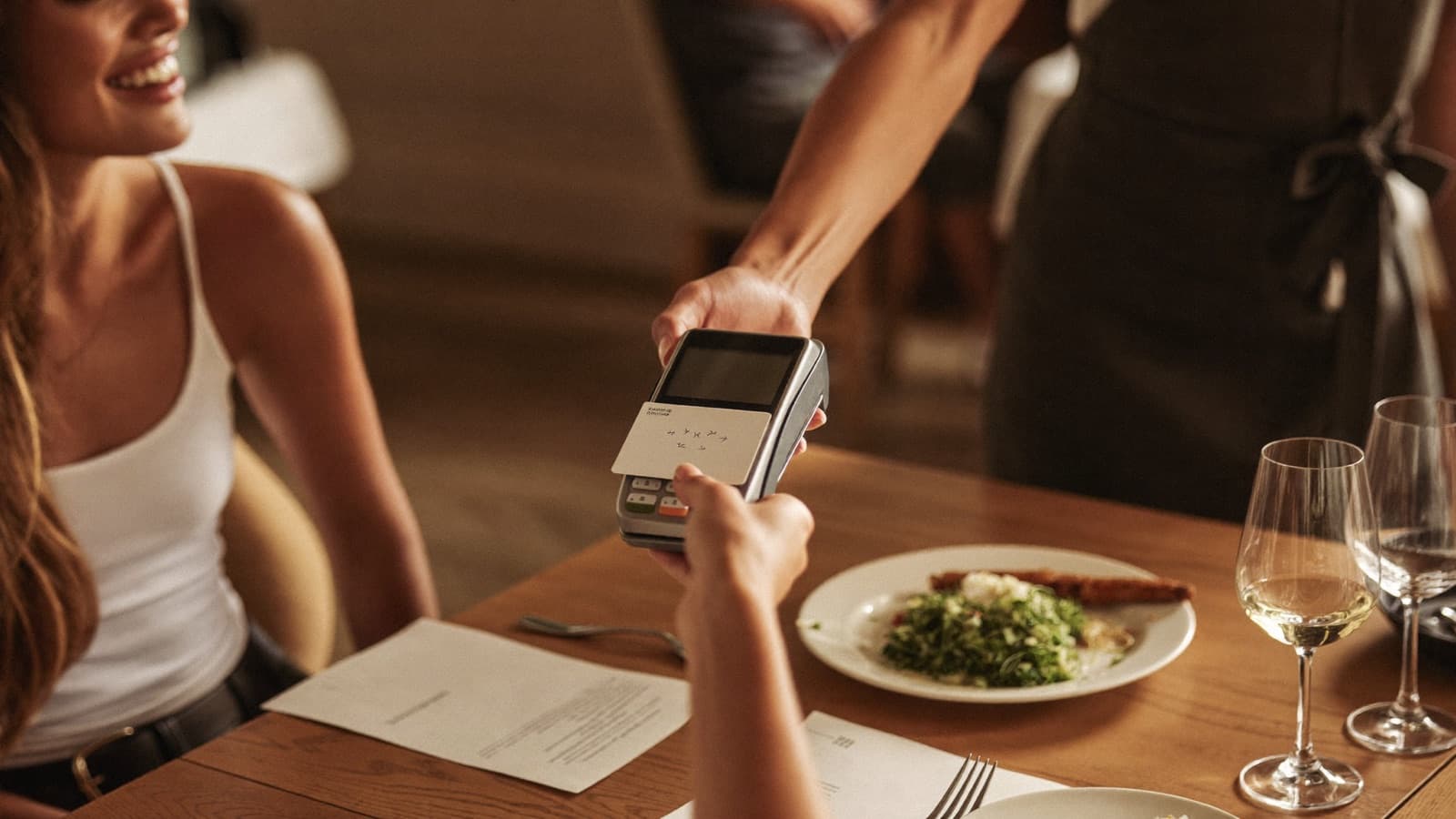
Before paying, the guest drags the slider in the app right in front of you. It only counts once the green tick appears in the app.
They pay the rest as usual
The guest pays the rest of the bill as usual. That's it! One DEAL per table.
For managers
Before you start
Before the first TasteTown guest walks in, get your venue and staff ready.
Offline materials for your venue
We hand over the printed staff guide and the door sticker in person at your venue. If anything goes missing, download it all again here – the guide in seven languages, the sticker and the logo.
Materials to downloadGuide in 7 languages
- CZ
- SK
- EN
- PL
- RU
- UA
- VT
Set up the till
Set up a DEAL button on your till – either a “free” item or a percentage discount. How you do it is up to you.
Train your staff
Show your staff how to ring up and handle a DEAL. Staff training is part of the partner terms.
Put up the sticker
Put the TasteTown sticker on your entrance door so guests know DEALs work at your place.
For owners and managers
Dashboard
From then on, everything happens in the dashboard at partner.tastetown.app. Numbers, team and changes – absolutely everything.
- 1
Sign in
At partner.tastetown.app, enter the email from your TasteTown contract, or the one your venue owner added for you. You'll get a link to set your own password.
- 2
Enter your deal costs
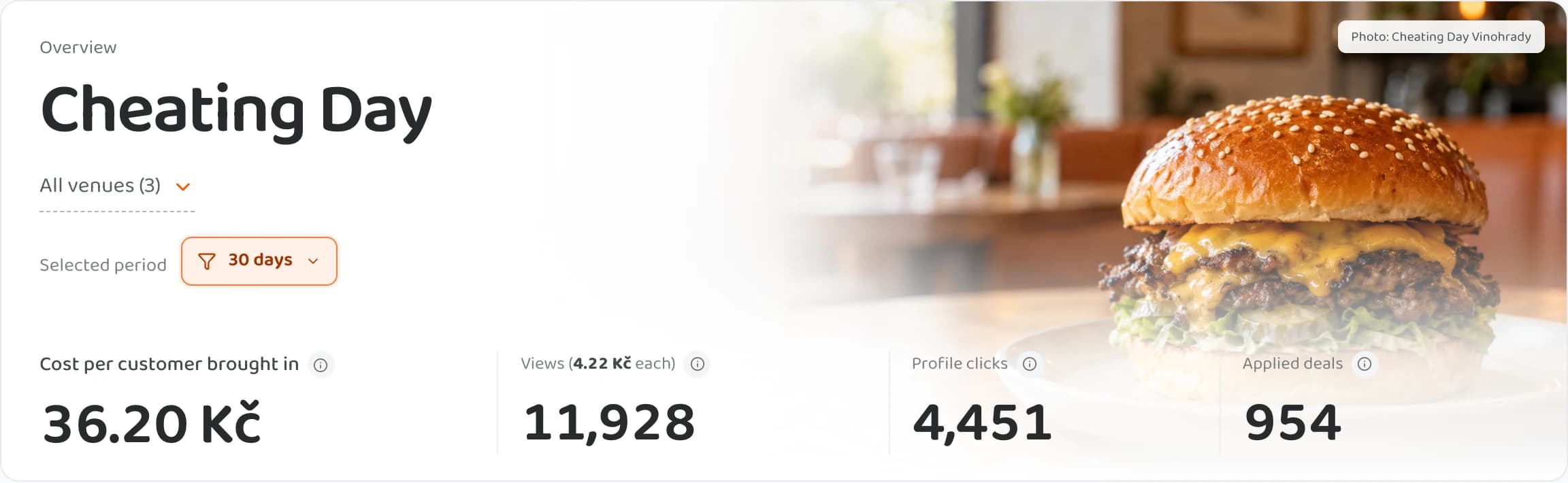
Fill in what your deals cost you to make – once for all your branches. The dashboard then estimates your cost per customer brought in and per view, including companions and repeat visits.
- 3
Follow your stats
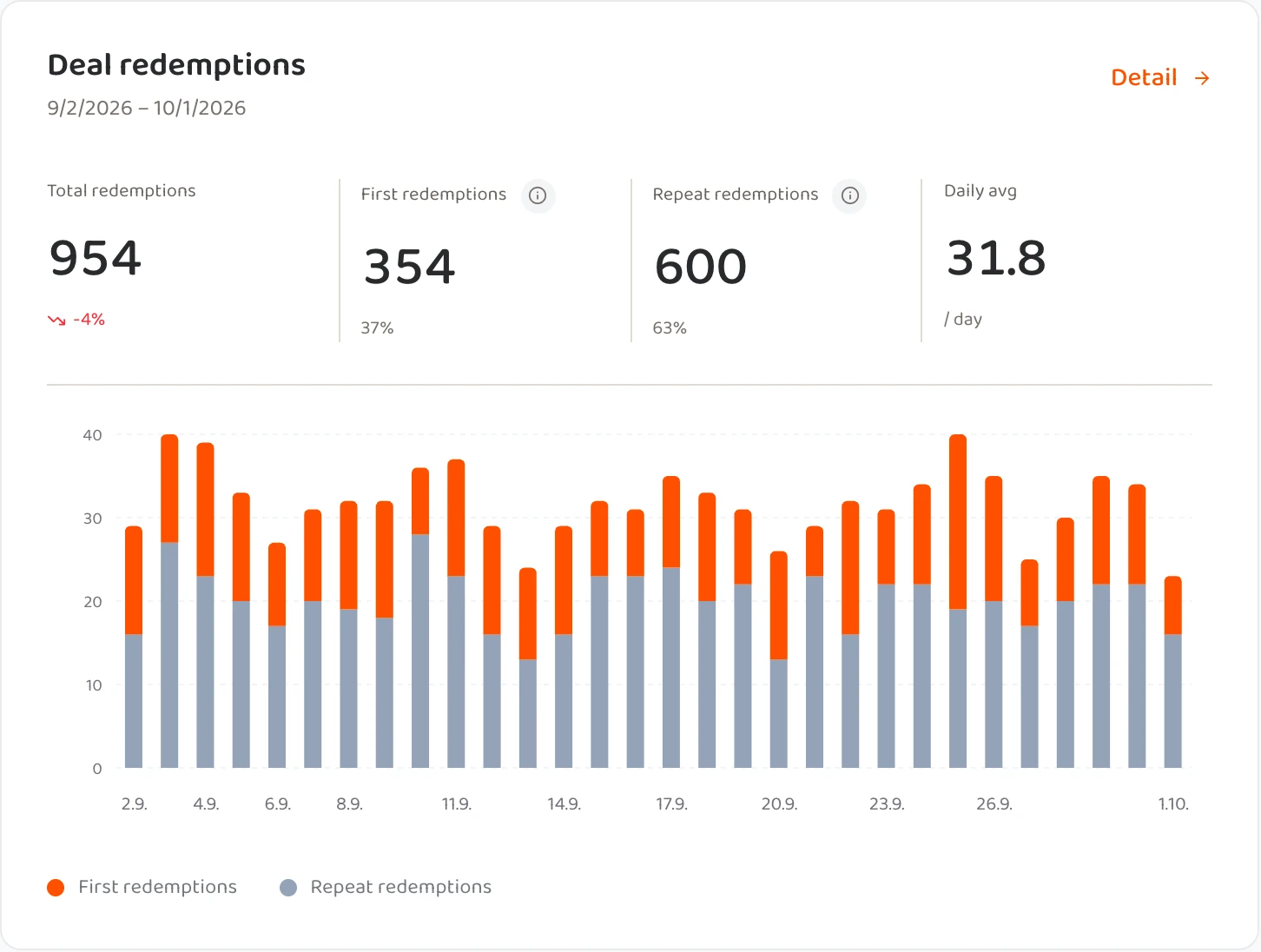
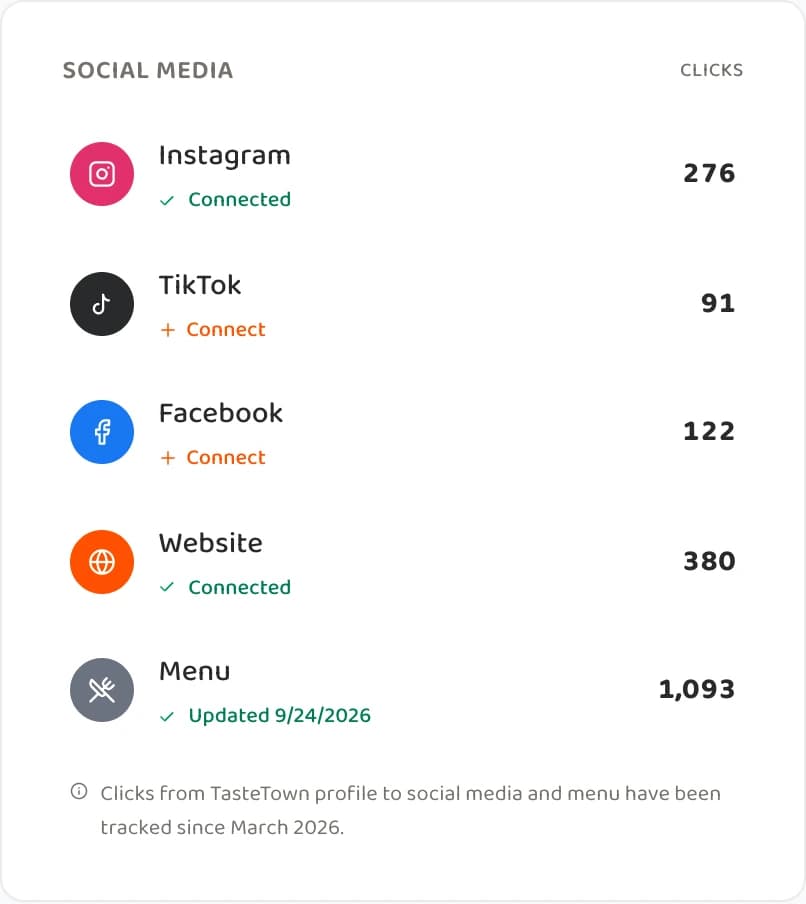
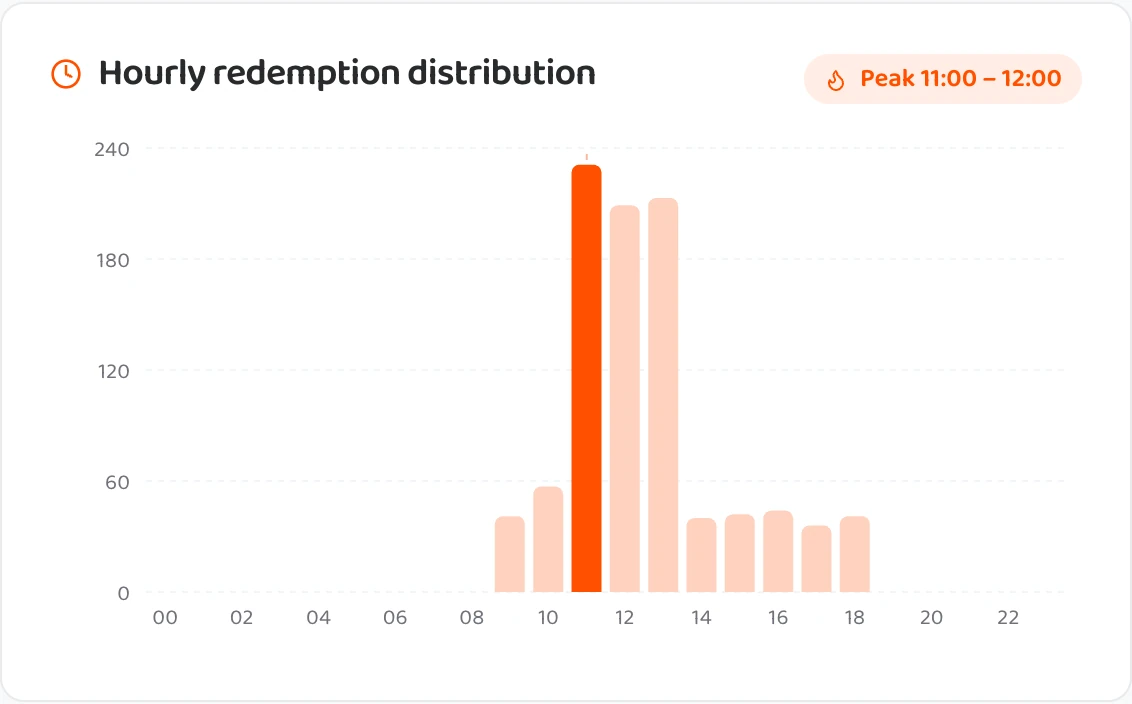
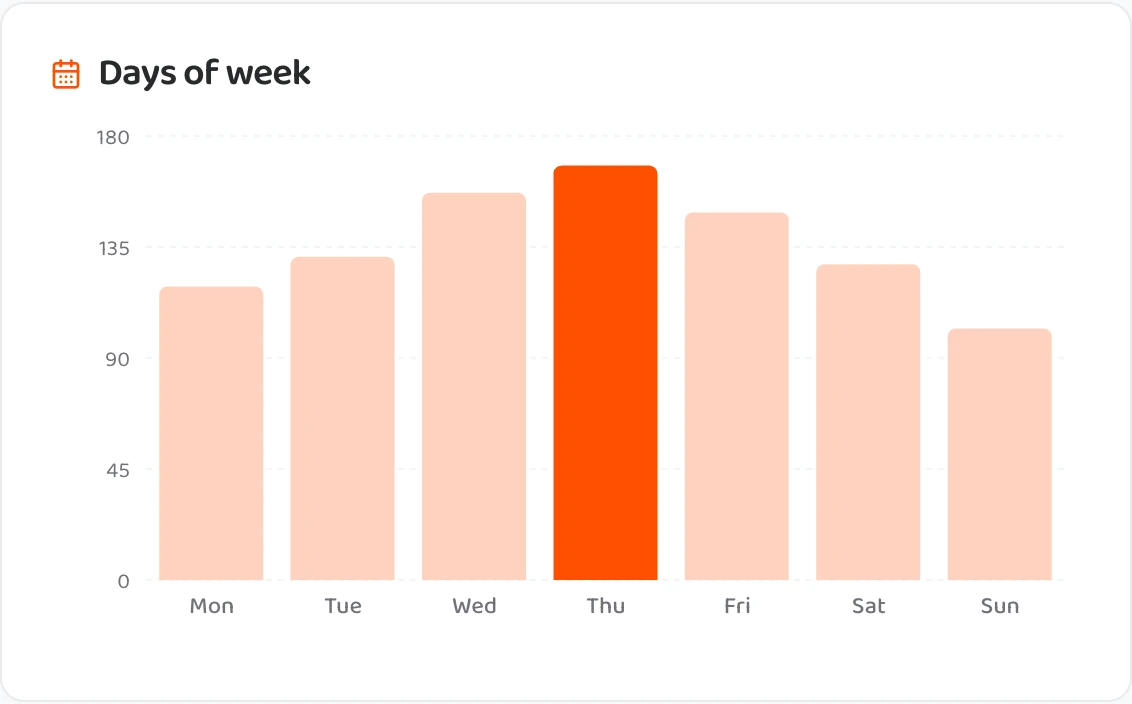
Views are taps on your pin on the map, clicks are profile opens. You'll also see the redemption trend, a branch comparison, clicks to your social media and guest ratings.
- 4
Check redemptions
Under Redemptions you'll find every single redemption, minute by minute. Data updates once a day, so you see redemptions the next morning.
- 5
Add colleagues
Under Access you can invite more people from your team to the dashboard.
- 6
Request a change
Send changes to your menu, photos or opening hours via “Request change”. We usually update opening hours within 24 hours, and menus within 3 working days.
Downloads
Partner materials
Staff training materials in seven languages, the door sticker, the logo and the press kit. All in one place, free and with no sign-up.
Open materialsNeed a hand?
Can't sign in, or something doesn't add up?
Write to us. We'll help with dashboard sign-in, setting up your till and training your staff.